
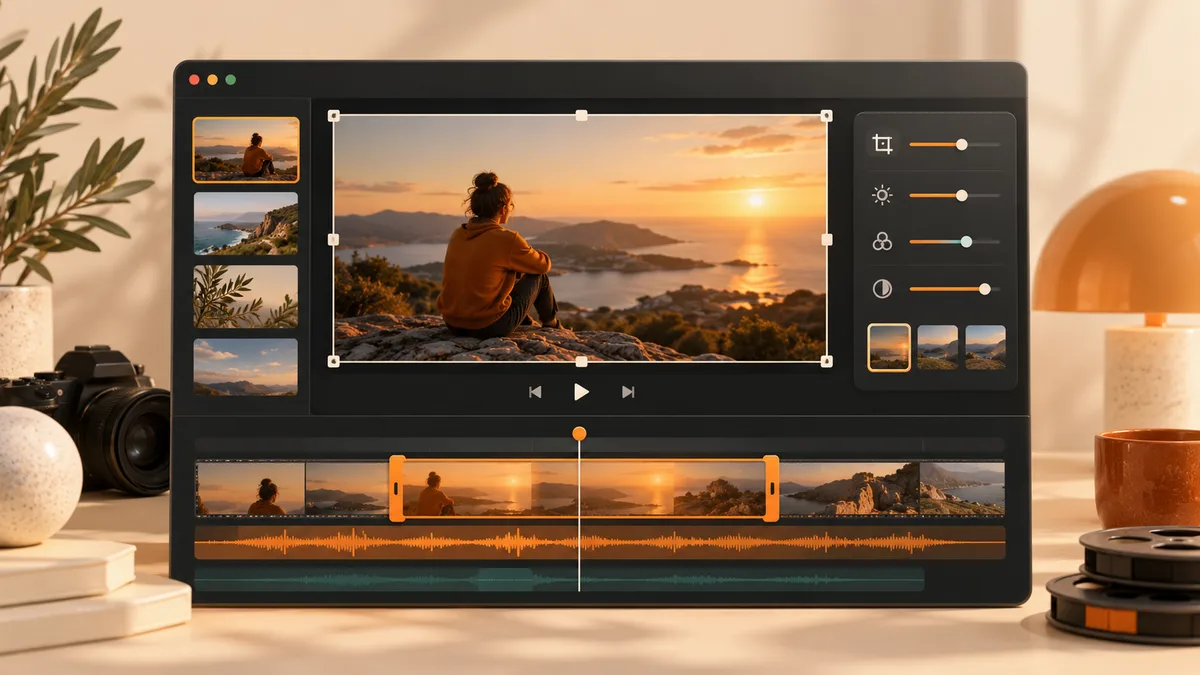
Free online video editor
Trim a time range, change the frame shape, rotate or mirror the picture, adjust color, add a title, and export from the browser.
Open the video editor >Use focused tools to convert, edit or share a video, find a subtitle file, inspect local media, calculate frame dimensions, or correct subtitle timing. Each tool explains what it changes and keeps unrelated controls out of the way.
Every tool is 100% free. You can inspect every interface before signing in; Google sign-in is requested only when you start a tool so we can limit automated abuse. Local conversion, editing and inspection keep your media on this device, while the sharing tool clearly identifies its direct transfer to ShareIt.ONL. If you still need the player, begin with the official VLC download choices.
Trim a time range, change the frame shape, rotate or mirror the picture, adjust color, add a title, and export from the browser.
Open the video editor >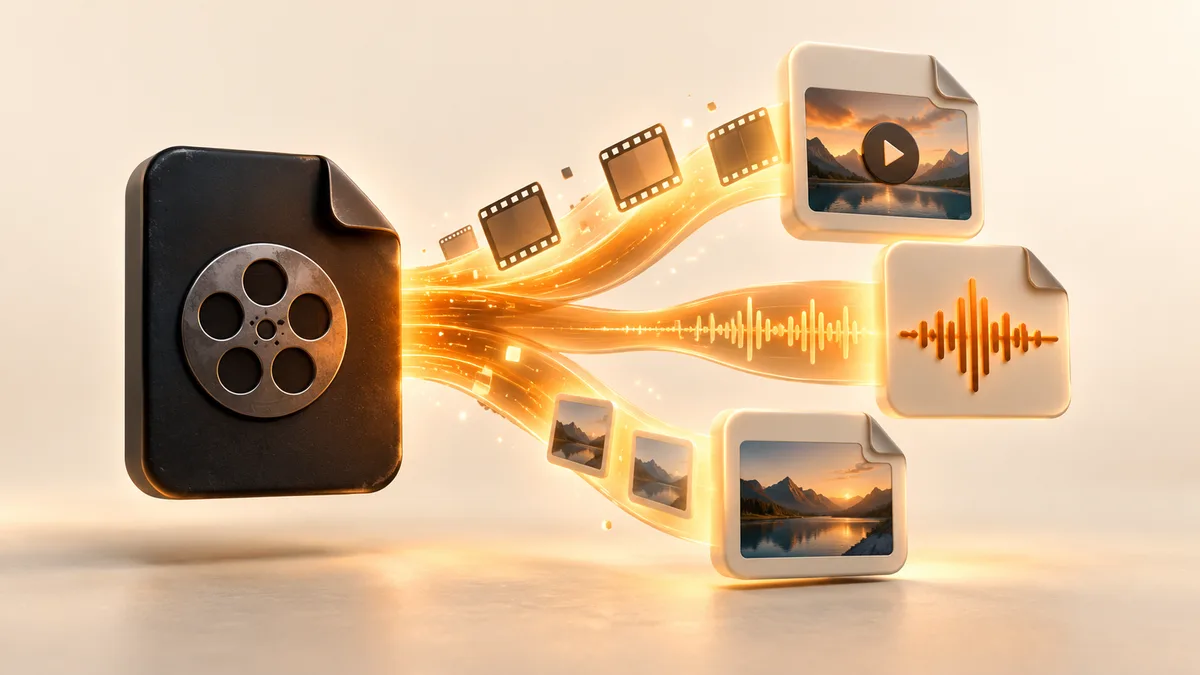
Convert MKV, AVI, MOV, MP4 or WebM into a compatible video or audio file without uploading the source.
Convert a local video >
Send one video directly to ShareIt.ONL, choose when it expires, and copy an unlisted link for the people who need it.
Create a video link >
Simplify the current ratio and calculate practical even-pixel dimensions for landscape, vertical, square, portrait and classic video.
Calculate video dimensions >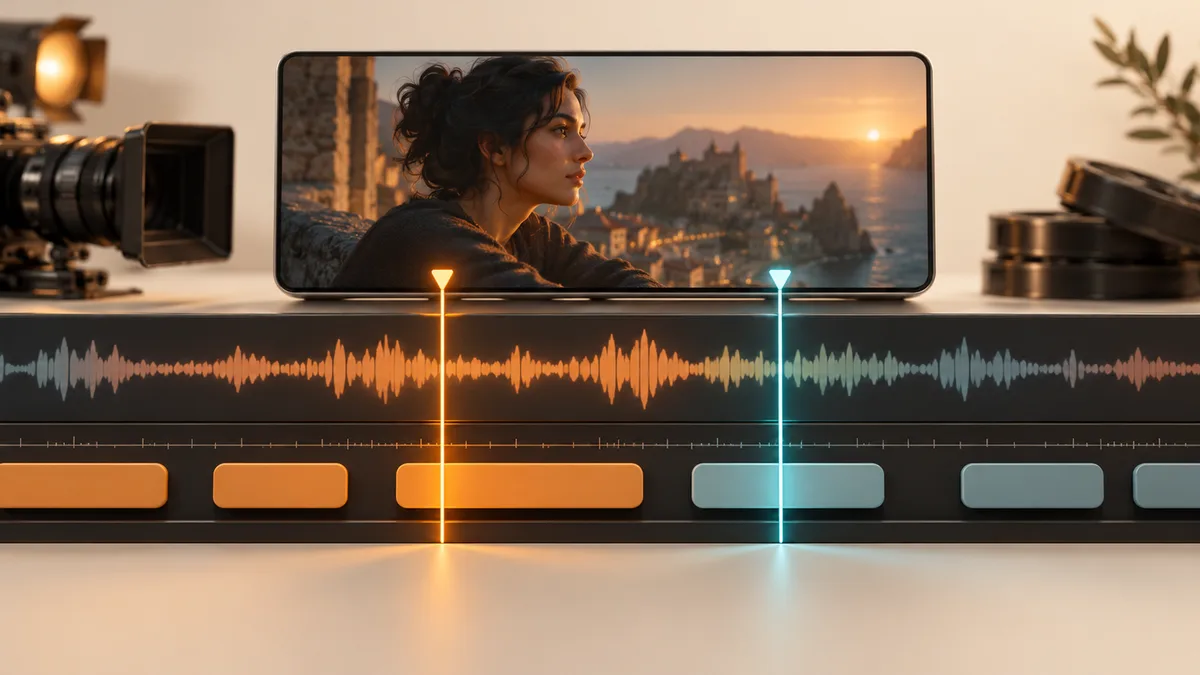
Turn two observed timestamps into a signed delay, milliseconds, and an estimate of VLC shortcut steps.
Calculate subtitle timing >
Search subtitle catalogues by title, compare release details, and choose a subtitle file to load in VLC.
Find a subtitle >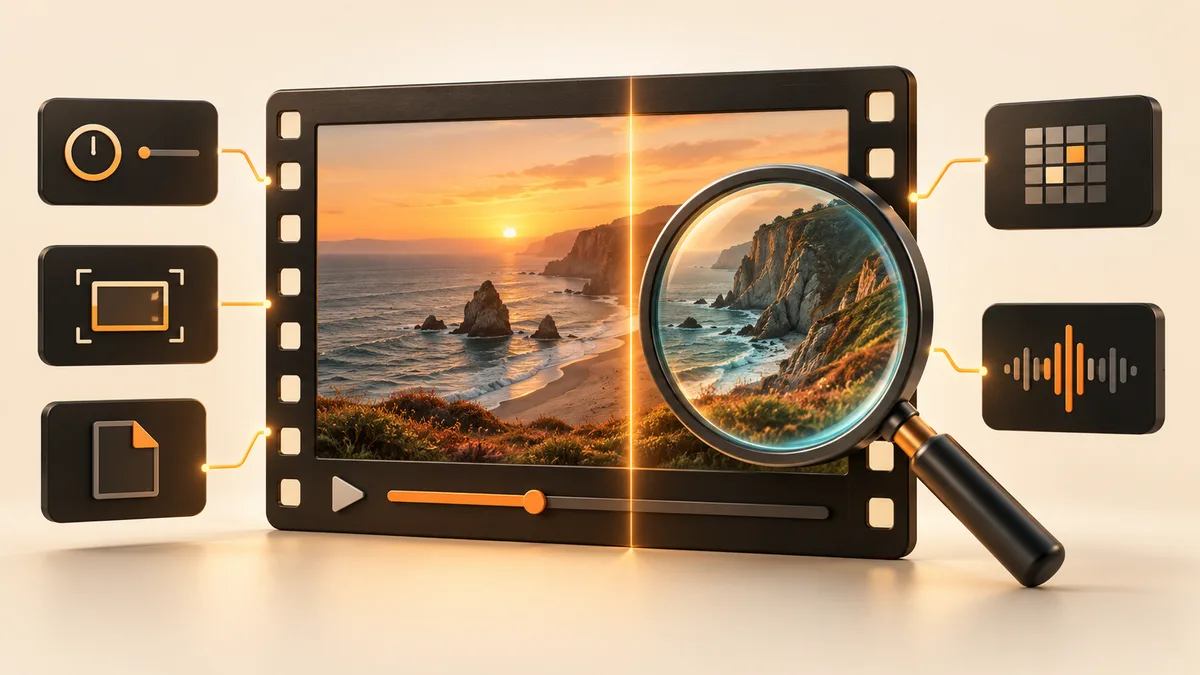
Read the filename, browser-reported type, file size, duration, dimensions and frame ratio without sending the video to the server.
Inspect a local video >Browser APIs cannot reliably reveal every codec or repair damaged media. A calculator cannot prove how a television will crop a frame. Each result therefore states what was measured, what was calculated, and what still needs a real playback test.
Use VLC for playback diagnosis, stream inspection, subtitle testing and format checks. Use the browser editor when you need a new trimmed or reframed output rather than a temporary playback change.
Understand containers and codecs >